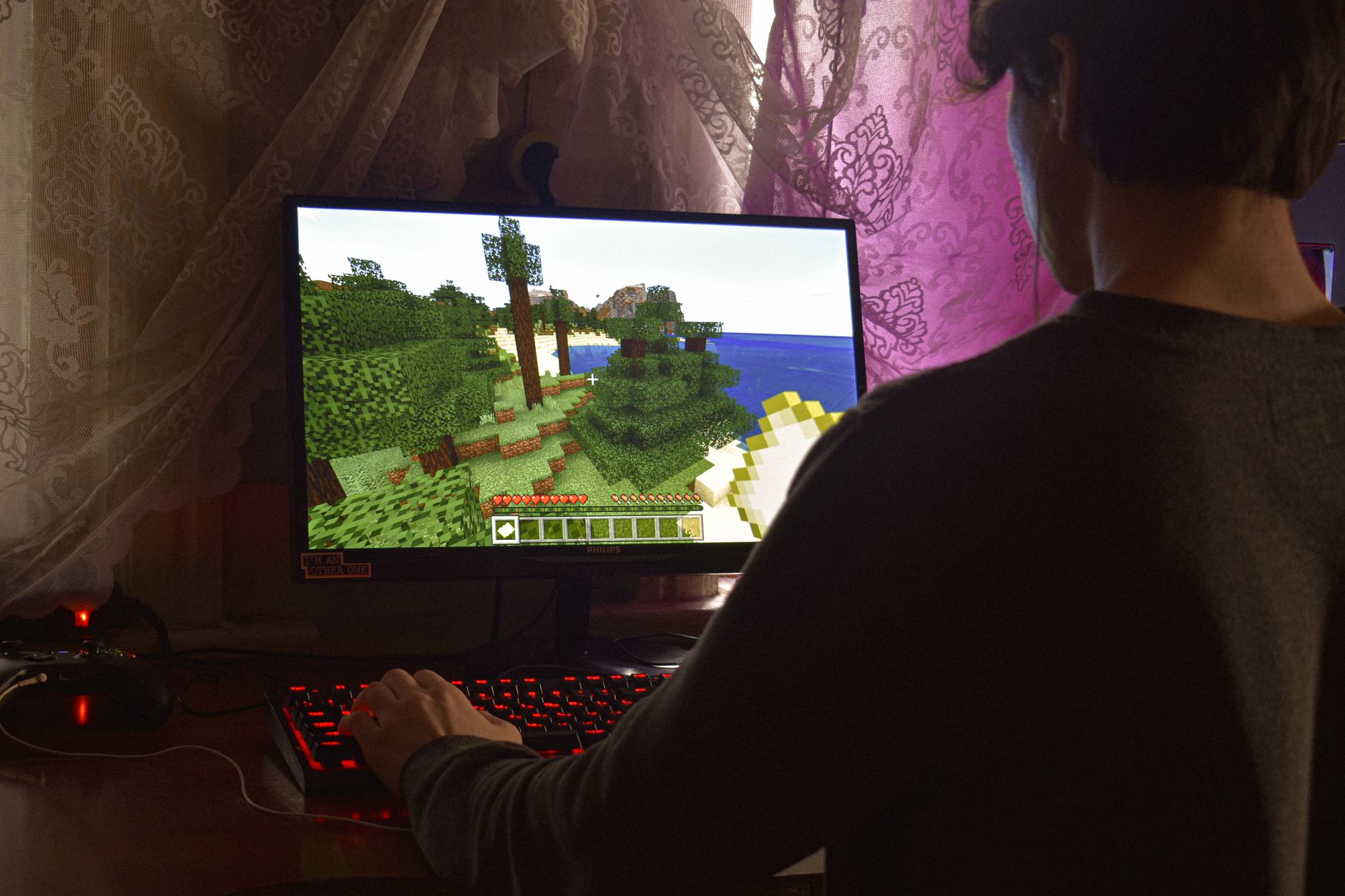
Windows 11 gaming issues have been a concern for many users, but the recent KB5127648 update promises to fix these long-standing problems. This update aims to enhance the gaming experience significantly.
Overview of the KB5127648 Update
The recent release of the KB5127648 update for Windows 11 has brought significant improvements to the gaming experience, addressing various long-standing gaming issues that users have faced. This update specifically targets performance problems and compatibility glitches that have affected many popular titles.
Among the key fixes included in this update are:
- Enhanced stability for online multiplayer gaming.
- Resolution of graphical glitches that hindered gameplay.
- Improved loading times for several games.
- Corrections to audio issues that disrupted in-game communication.
As gamers continue to face challenges with Windows 11 gaming issues, the KB5127648 update serves as a crucial step towards a more seamless gaming environment. Users are encouraged to install the update promptly to benefit from these enhancements. With the ongoing support from Microsoft, the hope is that future updates will further refine system performance and address any remaining concerns within the gaming community.
What Issues Does It Address?
The latest KB5127648 update for Windows 11 addresses several significant gaming issues that users have reported since the operating system’s launch. This update is designed to enhance the gaming experience by resolving the following problems:
- Performance Drops: Many gamers experienced unexpected frame rate drops during gameplay, which affected overall performance.
- Stuttering: The update aims to minimize stuttering and lag, providing a smoother gaming experience.
- Compatibility Issues: Certain games were not launching or crashing frequently on Windows 11, causing frustration among players.
- Graphics Rendering Problems: Users reported issues with graphics rendering, leading to visual artifacts and other display anomalies.
By addressing these long-standing problems, the KB5127648 update significantly improves stability and performance for gamers. For those encountering Windows 11 gaming issues, this update is a crucial step towards a more enjoyable gaming environment. It is recommended for all users to install the update to benefit from these enhancements.
User Reactions to the Update
Following the release of the Windows 11 KB5127648 update, user reactions have been overwhelmingly positive, particularly regarding the improvements in gaming performance. Gamers who previously faced frustrating Windows 11 gaming issues have taken to social media to share their experiences.
- “Finally, my games are running smoothly!” exclaimed one user, highlighting a significant reduction in lag during gameplay.
- Another user noted, “I can’t believe how much better my frame rates are after the update!”, indicating a marked improvement in visual performance.
- Some players reported that previously persistent crashes have ceased, allowing for uninterrupted gaming sessions.
- However, a few users remain cautious, with one stating, “I’m glad for the improvements, but I’ll keep an eye out for any new issues.”
Overall, the feedback suggests that the update has successfully addressed many of the long-standing problems, restoring gamers’ confidence in the platform.
Performance Improvements in Gaming
With the release of the KB5127648 update, gamers have reported significant performance improvements in various titles, addressing some of the most pressing Windows 11 gaming issues. This update has optimized graphics performance and reduced latency, allowing for a smoother gaming experience.
Players have noted enhancements in frame rates and overall responsiveness, particularly in resource-intensive games. The update seems to target several areas:
- Improved memory allocation, leading to better performance in demanding scenarios.
- Stability enhancements that minimize crashes and unexpected shutdowns during gameplay.
- Compatibility adjustments with popular gaming peripherals and accessories.
These changes have garnered positive feedback from the gaming community, many of whom had previously expressed frustration over the performance dips experienced on Windows 11. The KB5127648 update appears to offer a comprehensive approach to resolving long-standing issues, restoring confidence among players who rely on this operating system for their gaming needs.
How to Install the Update
Installing the KB5127648 update is essential for users experiencing Windows 11 gaming issues. This update aims to resolve several long-standing problems that have plagued gamers since the operating system’s release. Follow these steps to ensure a smooth installation process:
- Check for Updates: Navigate to Settings > Windows Update. Click on Check for updates to see if the KB5127648 update is available.
- Download and Install: If the update appears, click Download and install. Ensure you have a stable internet connection for a seamless download.
- Restart Your Computer: After installation, restart your computer to apply the changes effectively. This step is crucial for fixing the gaming issues.
- Verify Installation: Return to the Windows Update section to confirm that the update was successfully installed.
By following these steps, users can address the Windows 11 gaming issues and enjoy an optimized gaming experience.
Comparison with Previous Updates
The recent KB5127648 update for Windows 11 has brought significant changes, particularly when compared to previous updates that addressed gaming issues. While earlier patches attempted to resolve performance glitches, many users found that these solutions were often temporary or ineffective.
Prior updates primarily focused on stability and security, with limited attention to the gaming experience. Users frequently reported problems such as lagging, stuttering, and even crashes during gameplay. The KB5127648 update, however, has been met with a more positive reception due to its targeted fixes for long-standing gaming issues.
Key differences between the KB5127648 update and earlier ones include:
- Enhanced compatibility with various gaming hardware.
- Improved frame rates in several popular titles.
- Better resource management while gaming.
These improvements mark a significant step forward for Windows 11 users who have experienced ongoing gaming issues, providing hope for a more stable and enjoyable gaming environment.
Future of Windows 11 Gaming
The future of Windows 11 gaming looks promising as the recent KB5127648 update has addressed many long-standing issues that have plagued gamers. With users reporting improved performance and stability, the update is a significant step forward for the gaming community.
As more gamers transition to Windows 11, the focus on optimizing gaming experiences is likely to intensify. Developers are expected to prioritize compatibility with the latest operating system, ensuring that titles run smoothly and efficiently. In addition, ongoing feedback from the gaming community will play a crucial role in shaping future updates.
Moreover, Microsoft has committed to regular updates to enhance gaming performance and resolve any emerging problems. This proactive approach aims to mitigate Windows 11 gaming issues and provide a seamless experience for players.
As technology evolves, we can anticipate the integration of advanced features and enhancements that will further enrich the gaming landscape on Windows 11. With continued support and innovation, the future appears bright for gamers seeking an optimal experience on this platform.
Conclusion and Recommendations
In conclusion, the Windows 11 gaming issues that have plagued users for some time appear to be on the path to resolution thanks to the KB5127648 update. This update not only addresses numerous performance-related problems but also enhances overall system stability during gaming sessions.
For gamers seeking a smoother experience, it is highly recommended to install this update promptly. By following the installation steps outlined earlier, users can quickly benefit from the improvements. Additionally, staying updated with future patches and monitoring feedback from the gaming community will help ensure optimal performance.
Furthermore, it is advisable to check system compatibility and settings post-update to maximize gaming performance. Users should also consider adjusting graphic settings within their favorite games to complement the enhancements from the update.
As Microsoft continues to refine Windows 11, it is essential for gamers to remain informed about ongoing developments and updates that may further improve their experience. Proactive engagement with the latest fixes can significantly enhance gameplay and user satisfaction.
Many users have reported that the latest updates have significantly improved performance, addressing several Windows 11 gaming issues. By implementing these proven fixes, gamers can finally enjoy a smoother experience without the frustration of persistent Windows 11 gaming issues.
Photo by Alexander Kovalev on Pexels